

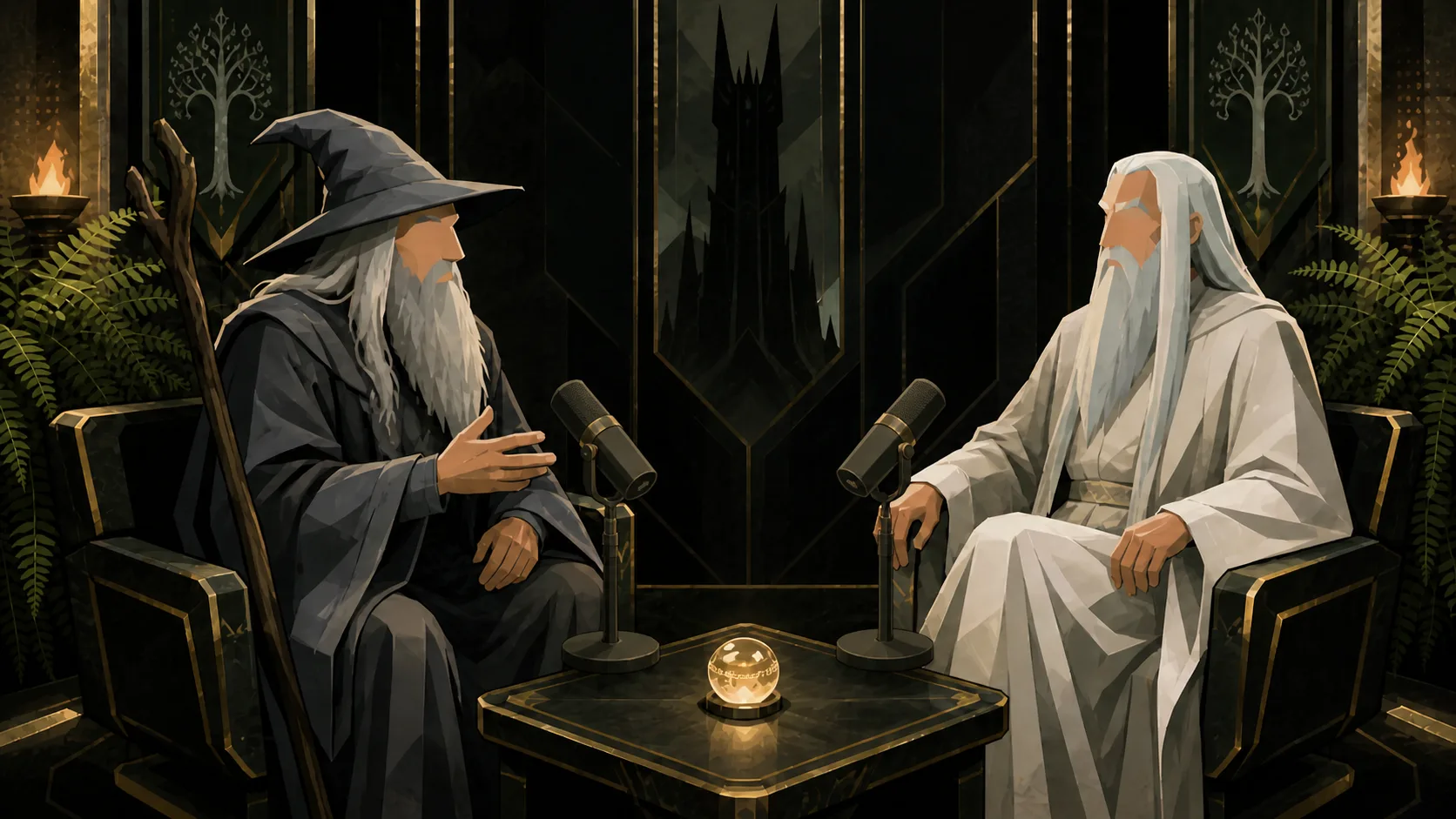
FULL EPISODE 01:48:32
AI ANALYZING…
Understanding context & key moments
12:47 …true wisdom isn't in knowing more,
12:51 it's in applying what matters.
13:02 Growth is compounding decisions.
Our site uses cookies
We use essential cookies to make the site work. With your permission we also use analytics cookies (Google Analytics and Mixpanel) to understand usage and improve StarZero. See our Cookie Policy.
Our AI watches your podcast episode (or all of them), figures out what stories to tell for which platforms, and edits for performance.
Secure. Private. Your content stays yours.
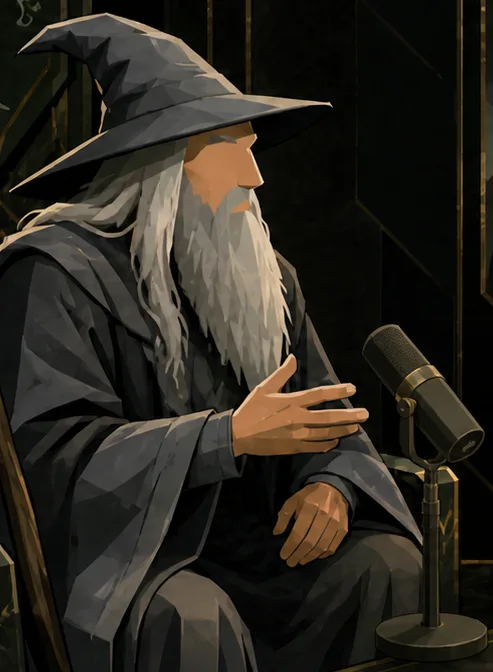
Wisdom scales.
00:29
The ring of virality.
00:34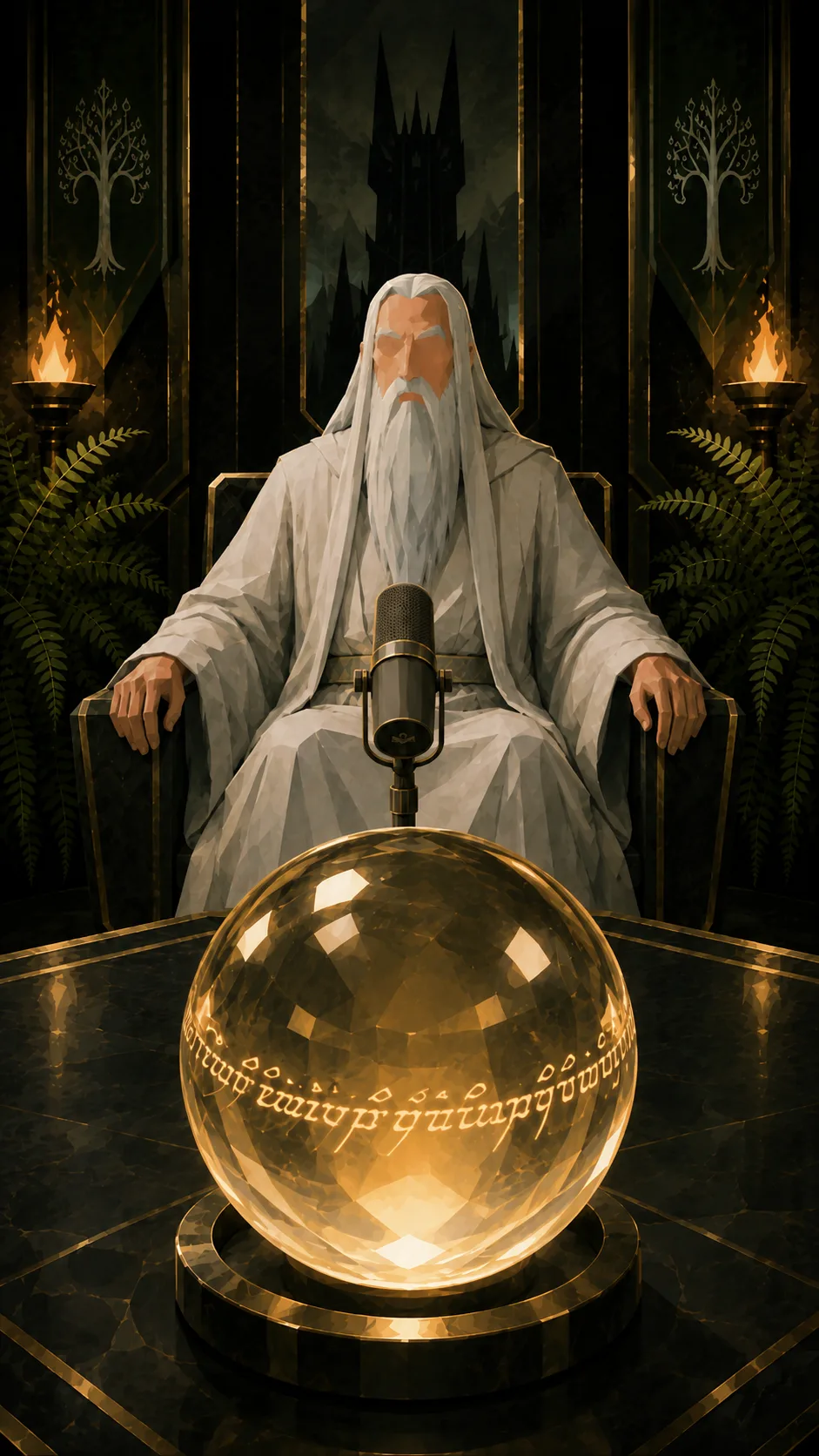
Clip-worthy insight.
00:28Recognized Google partner


How it works



Upload a file, paste a YouTube link, or pick from your library.
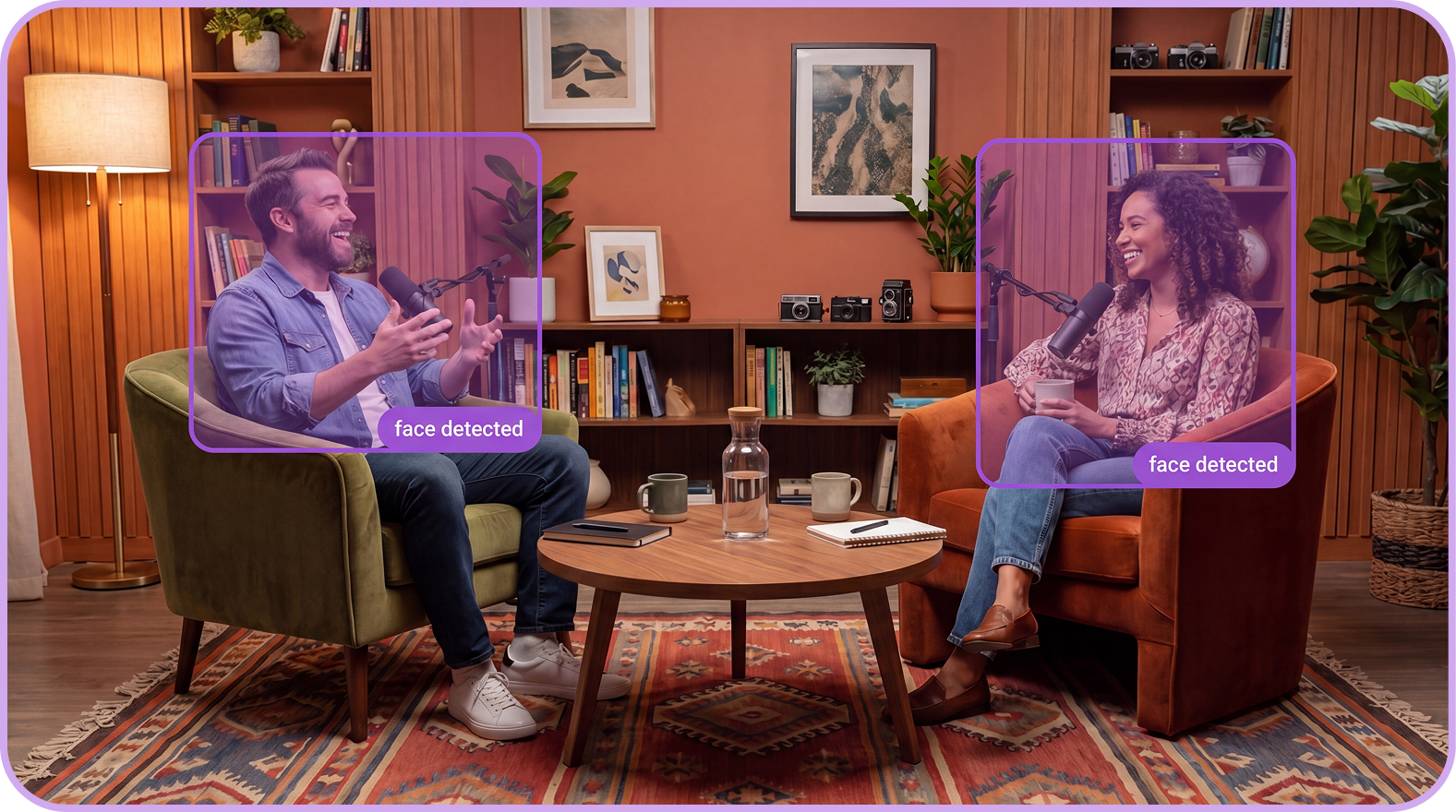
Set clip count, duration, format, and what to focus on. AI applies cropping, captions, and trims automatically.
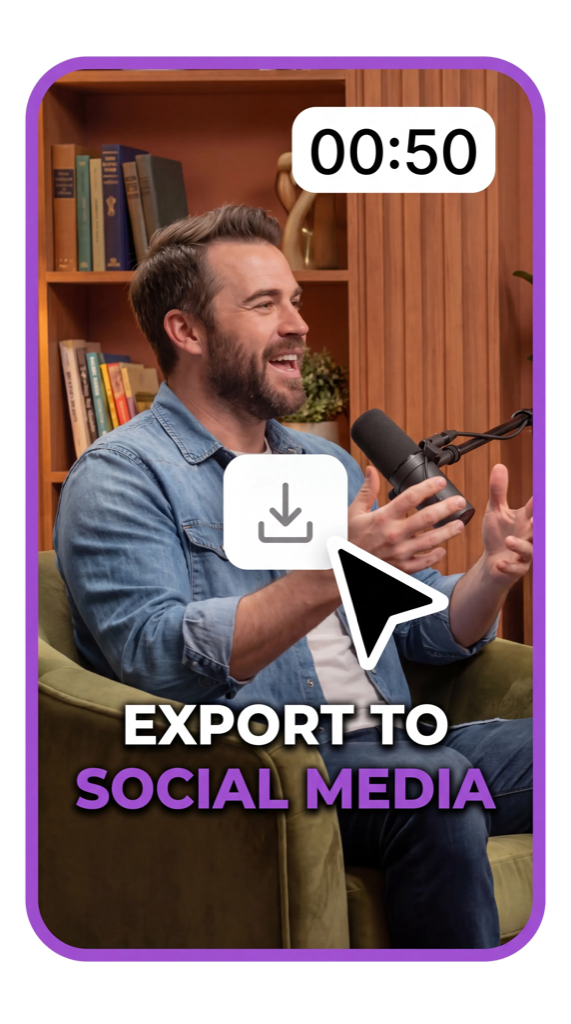
Clips come out captioned, reframed, and ready for every platform.
A single hour-long episode becomes 5 to 10 platform-ready clips. No manual scrubbing. No selecting timestamps. The agent finds the best moments and cuts them precisely.
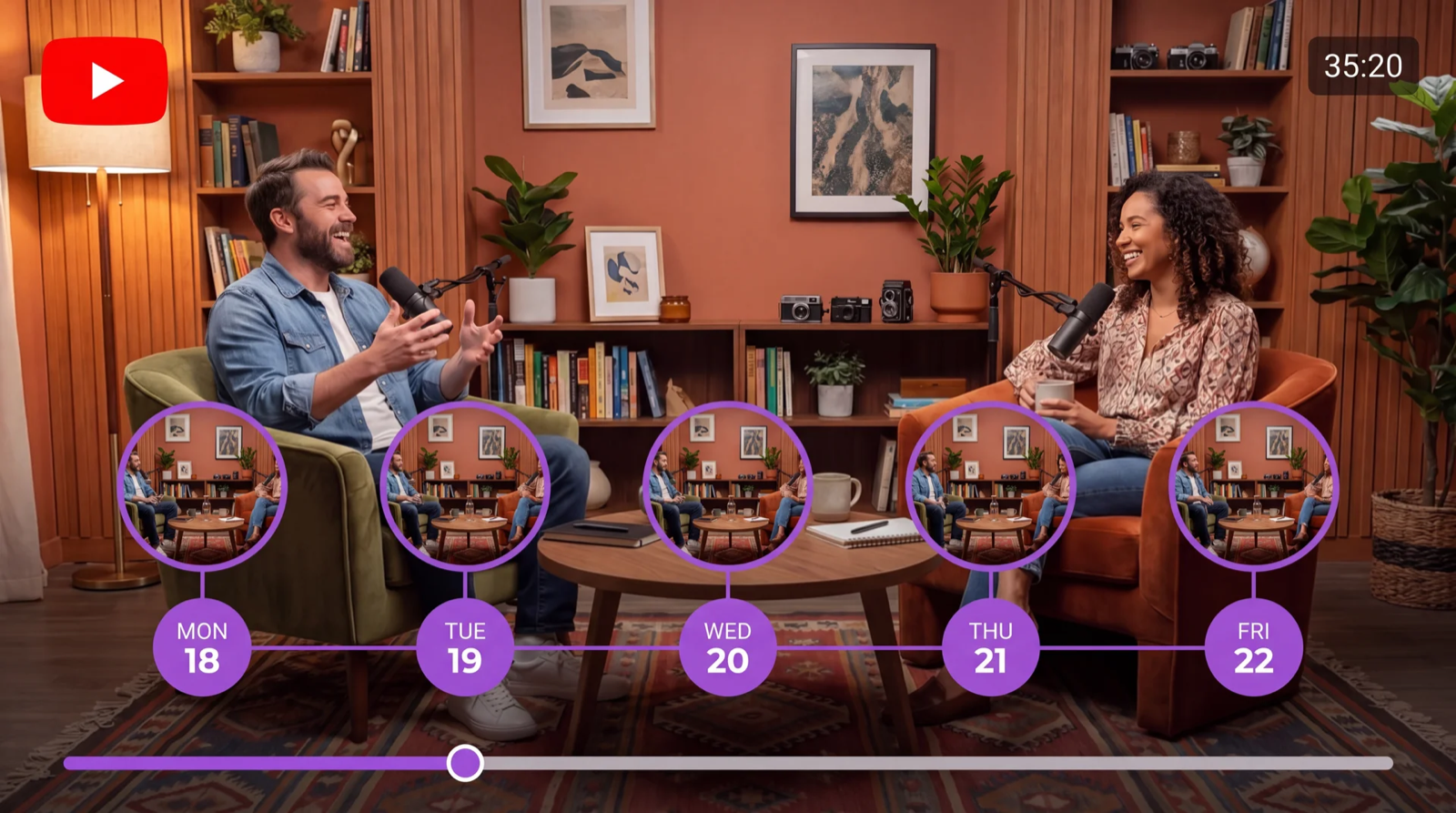
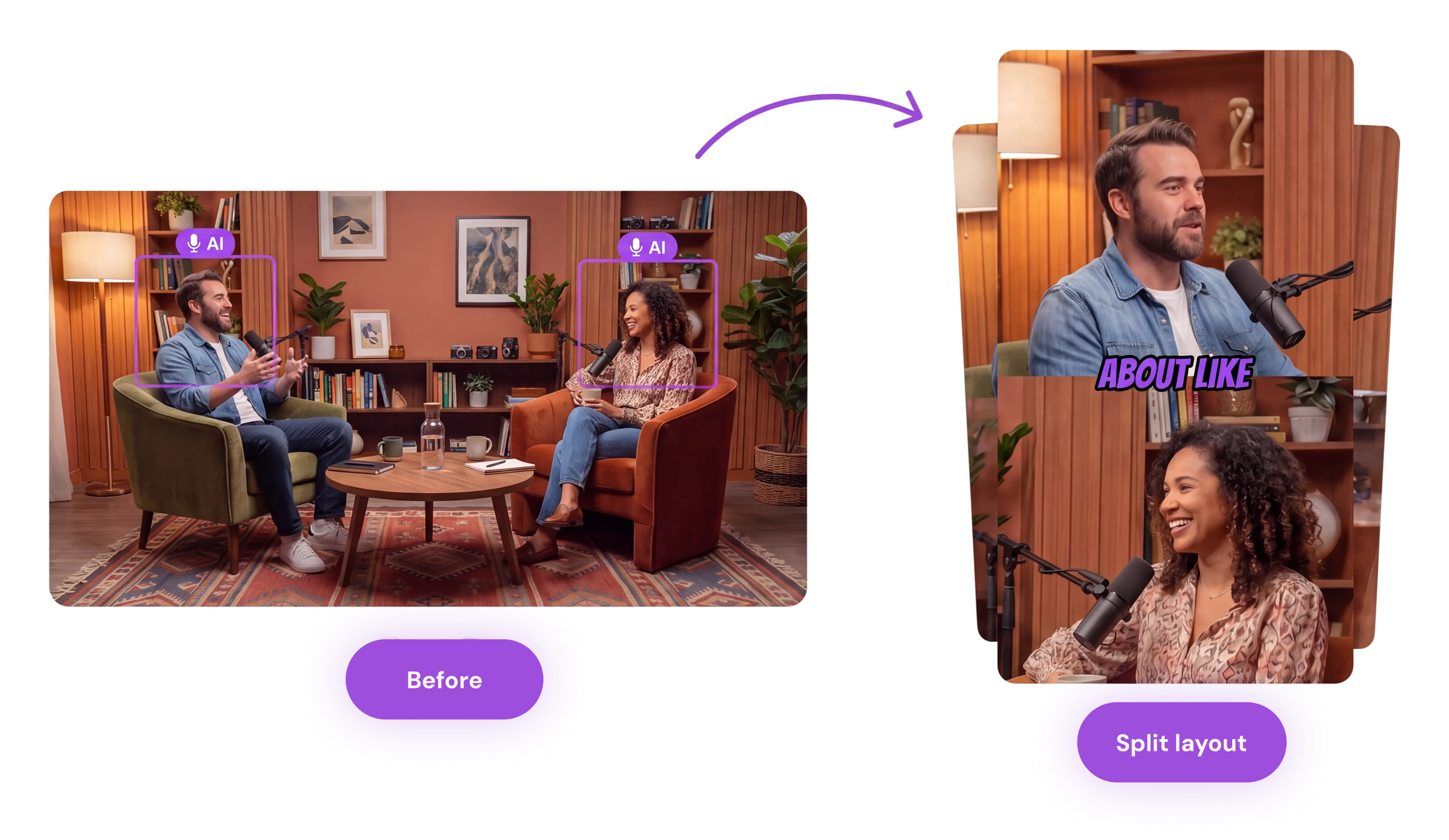
9:16 for TikTok and Reels, 1:1 for feed, 16:9 for YouTube. Active speaker tracking keeps whoever is talking in frame — no cropping, no mistakes.
Choose captions style
Curly Script
Speaker-Aware
Bouncy Lemon
Bold Comics
Vibe Pop!
Highlight Gradient
Blue Typewriter
Phantom
…or use your own brand font, colors, and feel.
Every clip opens in a full timeline editor with a word-level transcript. Trim with precision or type what you want changed — the agent adjusts the cut for you.
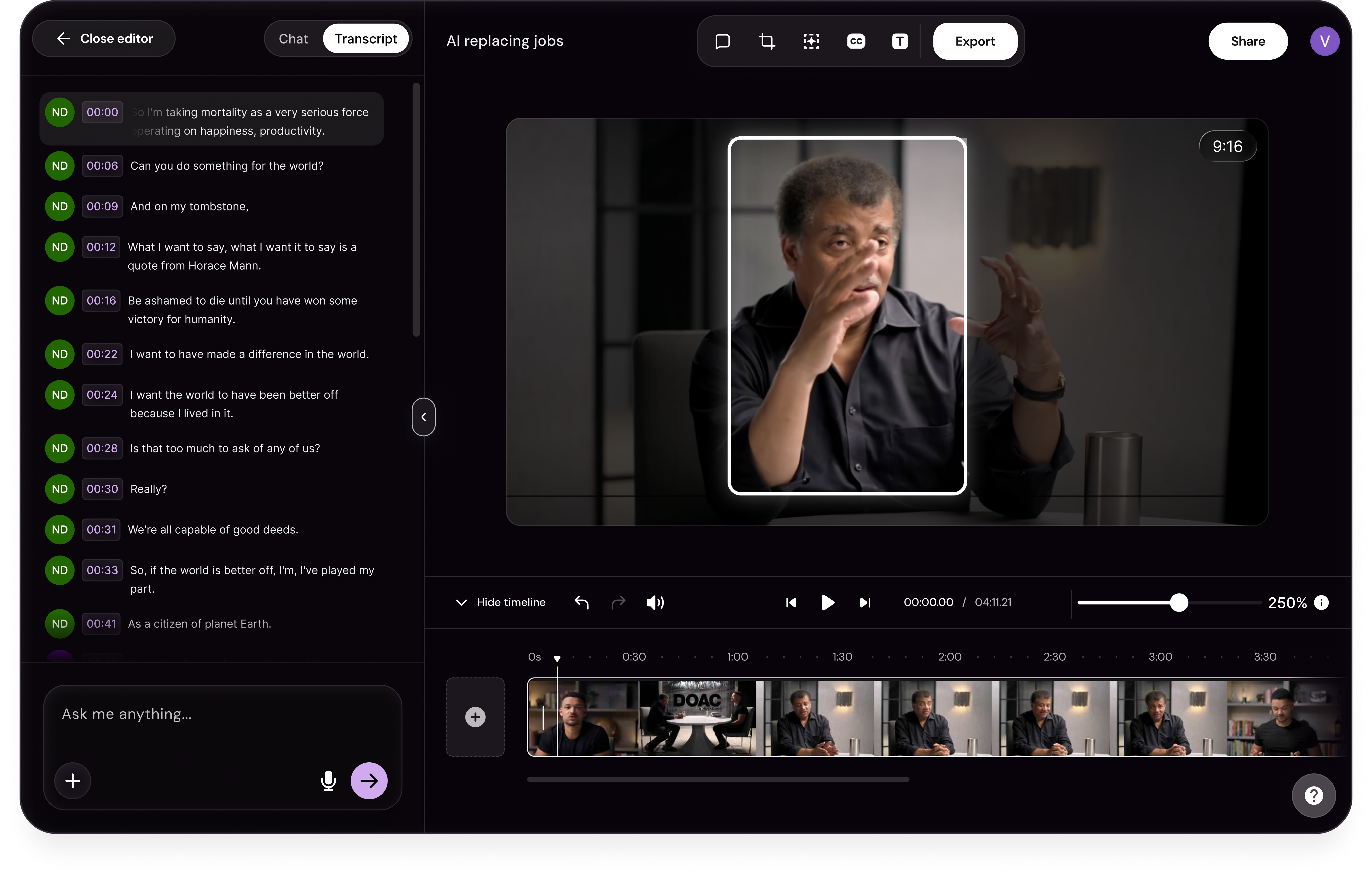
Upload your episode. Configure in 60 seconds. The agent handles the rest.
Start clippingFind answers to common questions about our podcast clipper.